

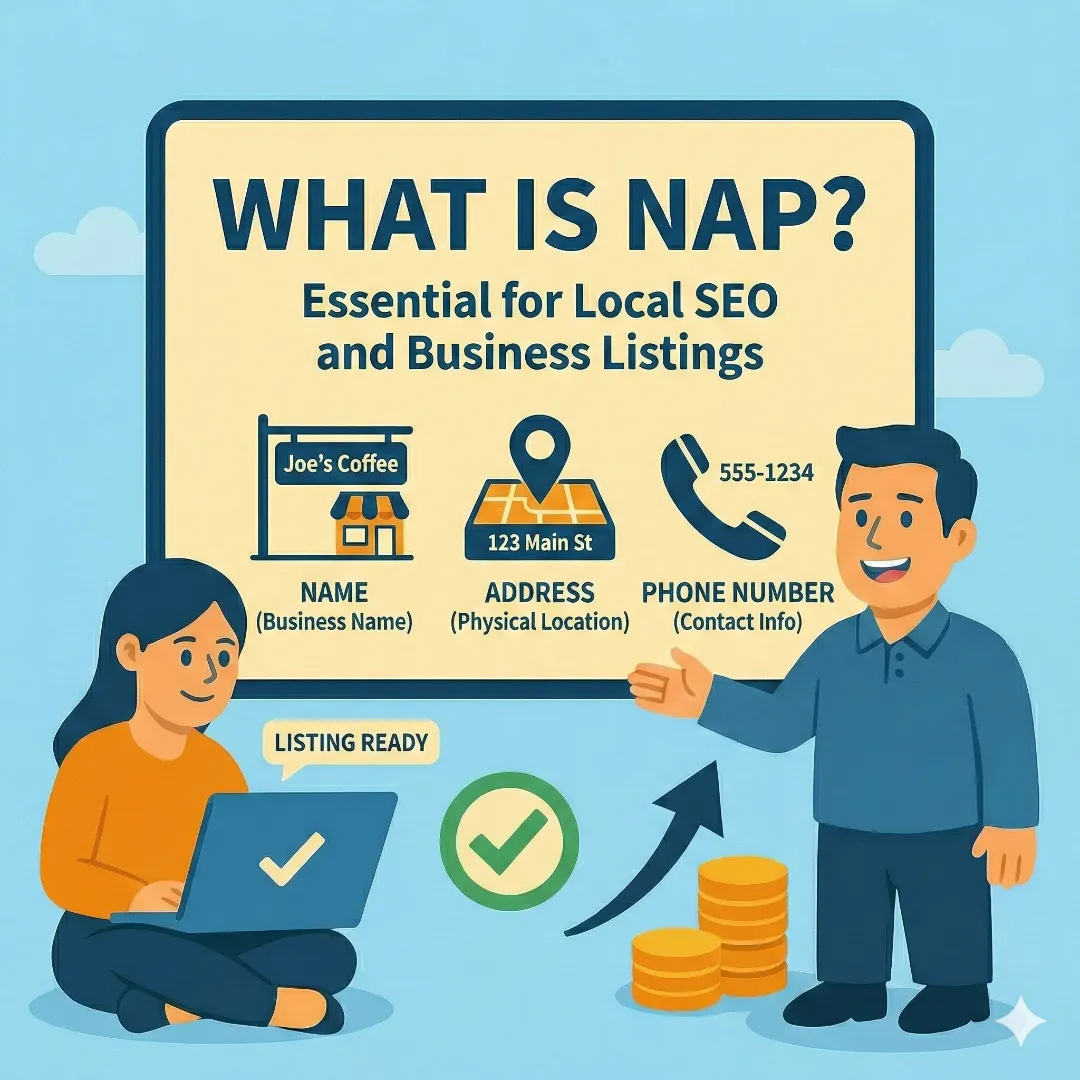
There's no shortage of complicated SEO advice out there. Schema markup, backlink profiles, Core Web Vitals, topical authority — the list goes on. But if you're a local small business trying to show up in Google's map results, one of the highest-impact things you can do is also one of the simplest: make sure your business name, address, and phone number are identical everywhere they appear online.
That's NAP consistency. It's not exciting. It won't make for a great Instagram post. But it's one of the few SEO fundamentals where the fix is completely within your control and the results are measurable.
What NAP Actually Means
NAP stands for Name, Address, and Phone number — the three core pieces of information that identify your business online. Google cross-references your NAP across every source it can find: your website, your Google Business Profile, Yelp, Facebook, the Better Business Bureau, industry directories, data aggregators, and dozens of other platforms.
When all of those sources agree, Google gains confidence that your business is real, legitimate, and located where you say it is. That confidence translates directly into better visibility in local search results — especially the Local Pack (the map with three businesses that appears at the top of location-based searches).
When those sources disagree — even slightly — Google's confidence drops. And with it, your rankings.
Why Small Inconsistencies Cause Big Problems
Here are the kinds of inconsistencies we see constantly:
Name & Address Issues
Common formatting mismatches
- • "Smith Plumbing" vs "Smith Plumbing LLC" vs "Smith Plumbing Inc."
- • "Suite 200" vs "Ste 200" vs "#200" vs "Unit 200"
- • "Street" vs "St." vs "St" — or "Boulevard" vs "Blvd."
- • Missing suite numbers on some listings but not others
Phone & Outdated Info
Frequently overlooked problems
- • "(952) 555-1234" vs "952-555-1234" vs "952.555.1234"
- • Old address from a move three years ago still on Yelp
- • Changed phone number but BBB page never updated
- • Different tracking numbers on different directories
Individually, none of these seem like a big deal. Collectively, they fragment your online identity. Instead of one strong, consistent business presence, Google sees a scattered collection of maybe-related listings — and it hedges its bets by ranking you lower than competitors who have their act together.
The Real-World Impact
We've seen this play out with clients firsthand. One business had two Google listings with slightly different address formats — one included "Suite B" and the other didn't. The result? Their Google reviews were split across two profiles. Half their social proof was invisible to anyone who found the "wrong" listing. Their total review count looked half of what it actually was, and neither listing ranked as well as a single, consolidated profile would have.
Another client was mystified about why they weren't appearing in local search for their primary service area. The issue? Their website footer showed one city, their Google Business Profile listed a different city as the primary address, and their Facebook page listed a third. Google couldn't confidently place them anywhere.
How to Audit Your NAP (Step by Step)
The good news: this is fixable, and you can do the initial audit yourself in about 30 minutes. Here's how:
Establish Your Canonical NAP
Before checking listings, decide on the exact format you want everywhere. This is your source of truth. Pick one business name (matching your signage and GBP), one address format (if you choose "Suite 200" never use "Ste 200"), and one phone number format — we recommend (XXX) XXX-XXXX. Write it down exactly as it should appear.
Google Yourself
Search your exact business name in quotes, your phone number, your address, and your business name + city. Check the first 3–4 pages of each search. Keep a spreadsheet — for every listing you find, record the platform name, URL, and the NAP displayed. Flag anything that doesn't match your canonical NAP.
Check High-Priority Platforms
Not all listings carry equal weight. Focus on Google Business Profile, your website, Apple Maps, Yelp, Facebook, and the data aggregators first. Then work through Bing Places, BBB, and industry-specific directories.
Fix From the Top Down
Start with your Google Business Profile — make sure it's correct. Then update your website to match it exactly. Work through the rest in priority order. For directories you didn't create, you'll need to claim the listing first. Google "claim my business [platform name]" and follow their process.
Example: Your Canonical NAP Card
Write yours down exactly like this — this is the format that should appear everywhere:
Smith Plumbing
1234 Main Street, Suite 200
Prior Lake, MN 55372
(952) 555-1234
Which Platforms Matter Most
Not all listings are created equal. Focus your energy on the platforms that carry the most weight with Google:
Platform Priority for NAP Consistency
| Platform | Priority | Why It Matters |
|---|---|---|
| Google Business Profile | Critical | Your #1 source of truth. Everything else should match this. |
| Your Website | Critical | Footer, contact page, and schema markup must all match GBP exactly. |
| Apple Maps / Apple Business Connect | High | Powers Siri, Maps, and Safari suggestions. Often overlooked. |
| Yelp | High | Major citation source. Also powers Bing local results in some cases. |
| High | Frequently crawled. Inconsistencies here are common after business changes. | |
| Data Aggregators | High (indirect) | Data Axle, Foursquare/Factual, Localeze feed hundreds of smaller directories. |
| Bing Places | Medium | Smaller search share but still a citation signal. Easy to claim and update. |
| Better Business Bureau | Medium | High domain authority. A BBB listing with wrong NAP actively hurts you. |
| Industry Directories | Medium | HomeAdvisor, Angi, Healthgrades, Avvo, etc. Depends on your industry. |
The Secret Most Guides Don't Mention: Data Aggregators
Here's something most small business owners don't know: a huge portion of the business listings across the internet aren't created by humans. They're generated automatically by data aggregators — companies that collect business information and distribute it to hundreds of directories, apps, and platforms.
- Data Axle (formerly Infogroup) — feeds data to a massive network of directories and apps
- Foursquare / Factual — powers location data for Apple Maps, Uber, Snapchat, and thousands of apps
- Localeze / Neustar — distributes to search engines, GPS systems, and directory sites
If your information is wrong at the aggregator level, it doesn't matter how many individual directories you fix — the aggregator will push the old, incorrect data back out. It's like bailing water out of a boat without plugging the hole.
You can submit corrections directly to each aggregator. It takes a few weeks to propagate, but fixing your data at these three sources can clean up dozens (sometimes hundreds) of listings automatically.
Your Website: The Part You Control Completely
Your website is the one place where you have total control over your NAP. Make sure it's consistent in every location it appears:
- Footer: Your business name, full address, and phone number should be in your site footer on every page. This is the most common place Google checks. Make sure it's actual text, not an image — Google can't read text baked into images.
- Contact page: Your full NAP should appear here as well, ideally in the same format as your footer.
- LocalBusiness schema markup: This is structured data in your site's code that tells Google explicitly what your business name, address, and phone number are. If you're not sure whether your site has it, search "schema markup tester" and paste your URL. If the NAP in your schema doesn't match your GBP, fix it.
Learn more about optimizing your site for local search: A Beginner's Guide to Ranking Higher in Minneapolis Search Results
What to Do When Your Business Information Changes
NAP consistency isn't a set-it-and-forget-it task. Any time your business undergoes a change, you need to update everywhere:
- Moved locations? Update GBP first, then your website, then every directory in your audit spreadsheet, then submit corrections to the three data aggregators.
- Changed your phone number? Same process. And don't forget to update Google Ads call extensions, email signatures, and any printed materials that link to online profiles.
- Rebranded or changed your business name? This is the hardest one. You'll need to update every listing and may need to re-verify your Google Business Profile. Don't rush this — plan the rollout and update everything within a tight window to minimize the time your information is inconsistent.
- Added a second location? Each location needs its own Google Business Profile, its own set of citations, and its own NAP. Don't reuse your existing listings — create new ones for the new location.
Common NAP Mistakes (And How to Avoid Them)
- Using tracking phone numbers on directories. Call tracking is useful for measuring marketing ROI, but if every directory has a different tracking number, Google sees a business with 15 different phone numbers. Use your primary number on all citation sources and save tracking numbers for ads and landing pages.
- Listing a P.O. Box instead of a physical address. Google requires a real street address for Google Business Profile. If you're a home-based business, you can hide your address and show service areas instead — but the address in your backend profile still needs to be real and consistent.
- Forgetting about old listings after a move. Your old address will persist on directories for years if you don't actively update them. Set a reminder to re-audit 30 and 90 days after any address change.
- Having employees create duplicate listings. We've seen businesses with 3+ Google Business Profiles because different employees created new ones instead of claiming the existing listing. Consolidate duplicates by contacting Google support.
- Inconsistent formatting in schema markup vs visible text. Your schema might say "St" while your footer says "Street." Both are on the same page, but they send conflicting signals to Google. Make them identical.
How to Tell If NAP Issues Are Hurting You
A few signs that NAP inconsistency is impacting your local rankings:
- You rank well for branded searches (your business name) but poorly for service + location searches ("plumber Prior Lake"). This can indicate Google isn't confident about your location relevance.
- Your Google Business Profile shows fewer impressions than competitors in the same area with similar review counts. Inconsistent citations weaken your local authority.
- You have duplicate Google listings or your business appears with slightly different names/addresses in search results. This is a clear sign of fragmented NAP.
- Customers report finding old contact information when they Google you. If they're seeing it, so is Google.
The NAP Consistency Checklist
Here's a summary you can use as an ongoing reference: