

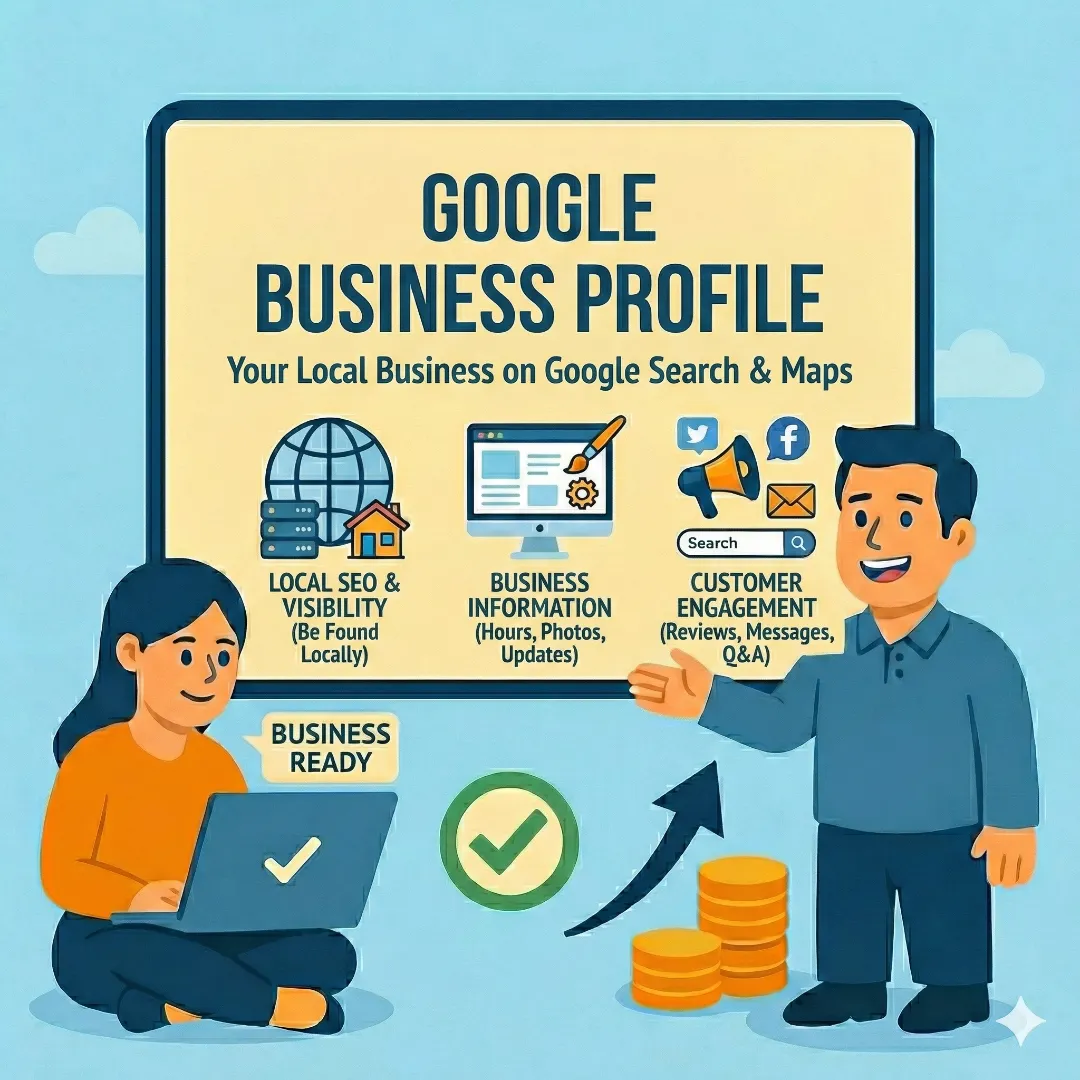
When someone in your area searches for the services you provide, Google shows a map with three or four local businesses right at the top of the results. That's the "Local Pack," and it's powered entirely by Google Business Profile.
If you're not there, you're invisible to a huge segment of potential customers. And here's the thing — it's completely free. Yet a shocking number of small businesses either don't have a profile, have one that's half-complete, or set one up years ago and never touched it again.
This guide covers everything you need to know: setting up your profile, getting verified, optimizing for local search, and the ongoing maintenance that separates businesses that rank from businesses that don't.
What Google Business Profile Actually Is
Google Business Profile (formerly Google My Business) is a free listing that controls how your business appears on Google Search and Google Maps. When someone searches your business name, GBP is the panel that shows up on the right side of desktop results — with your hours, reviews, photos, phone number, and website link.
More importantly, it's how you appear in local searches even when people don't know your name. "Plumber near me," "best coffee shop in Prior Lake," "geotechnical services Minneapolis" — these searches trigger the Local Pack, and your GBP is what determines whether you show up.
Setting Up Your Profile
The setup process is straightforward, but getting the details right matters:
Google Business Profile Setup
Go to business.google.com
Sign in with a Google account you'll have access to long-term — your business Google Workspace account is ideal.
Search for Your Business
If a listing already exists (Google sometimes auto-creates them from public data), claim it. If not, create a new one.
Enter Your Exact Business Name
Use the same name that's on your signage, website, and legal documents. Don't stuff keywords into your business name — Google can and will suspend profiles for this.
Choose Your Primary Category
This is the single most impactful field in your entire profile. Be as specific as possible. If you're a geotechnical engineer, choose "Geotechnical Engineer" — not "Engineering Consultant."
Add Address or Service Area
If customers come to you (storefront, office), show your address. If you go to customers (plumber, landscaper), set service areas and hide your physical address.
Add Phone, Website, and Hours
Make sure this information is identical to what's on your website. Inconsistencies hurt your rankings.
Verification: You Can't Skip This
Google won't display your profile in search results until you verify that you own the business. Google now requires video verification for all new profiles — you'll record a short video showing your business location, signage, and proof you're authorized to manage the listing.
What Google Needs in Your Verification Video
- Your business location from the outside — showing the street, building, and any signage
- Interior of your business showing it's operational (equipment, products, workspace)
- Proof you're authorized to manage the listing (business cards, mail, signage with business name)
Verification typically takes a few business days after you submit your video. Don't change your business name or address while waiting — it can reset the process.
Optimizing Your Profile (This Is Where the Results Come From)
A bare-bones profile with just your name and address is like showing up to a job interview in sweatpants. Technically you're there, but you're not competing. Here's what to fill out:
Business Description
You get 750 characters. Use them. Describe what you do, who you serve, and what area you cover. Include your main services and location naturally — don't keyword-stuff, but don't be vague either.
Services and Products
Google gives you structured fields to list your services. Fill these out completely. Each service becomes a potential search match. Include descriptions and pricing if applicable.
Photos
Businesses with photos get significantly more engagement than those without. Upload real photos of your work, your team, your location, and your vehicles (if applicable). Avoid stock photos — they look generic and Google's image AI can flag them. Add new photos regularly; Google favors active profiles.
Attributes
Google offers various attributes depending on your business type: "Veteran-owned," "Wheelchair accessible," "Free Wi-Fi," etc. Check which ones apply and enable them. These show up as badges on your listing and can influence which searches surface your profile.
Google Posts
Posts are mini-updates that appear on your profile. You can share offers, events, news, or general updates. Think of them as social media posts that live directly on Google Search. They expire after about a week, so posting regularly is important.
Reviews: Your Most Powerful Asset
Reviews are the single most impactful thing on your Google Business Profile. They influence both your ranking in search results and whether a potential customer chooses you over a competitor.
Ask for reviews proactively
After every positive interaction, send customers a direct link to your Google review page. Most people are happy to leave a review — they just need to be asked.
Respond to every review
Positive reviews get a thank you. Negative reviews get a professional, empathetic response. Google notices engagement, and future customers read your responses to gauge how you handle problems.
Recency matters
A business with 200 reviews that are all from two years ago ranks worse than one with 50 reviews from the past six months. Build a consistent habit of asking, not a one-time review blitz.
Never buy fake reviews
Google is very good at detecting review manipulation. Getting caught can result in your profile being suspended or removed entirely.
NAP Consistency: The Hidden Ranking Factor
NAP stands for Name, Address, Phone number. Google cross-references your GBP information with every other mention of your business across the internet — your website, Yelp, Facebook, industry directories, BBB, and dozens of other sources.
If your phone number is (612) 555-1234 on your website but 612.555.1234 on Yelp, Google sees an inconsistency. If your address says "Suite 200" on one site and "Ste 200" on another, that's another inconsistency. Individually these seem trivial. Collectively, they erode Google's confidence in your business data and hurt your local ranking.
Ongoing Maintenance (Don't Set It and Forget It)
Google rewards active profiles. Here's a simple monthly maintenance routine:
Monthly GBP Maintenance Checklist
Google Business Profile Maintenance
Share recent work, your business, or your team
Keep your profile looking active with updates, offers, or news
Thank positive reviewers and respond professionally to negative ones
Do this before Google prompts you to avoid showing incorrect hours
Answer any pending questions from potential customers
See which searches bring people to your profile and adjust strategy
Share recent work, your business, or your team
Keep your profile looking active with updates, offers, or news
Thank positive reviewers and respond professionally to negative ones
Do this before Google prompts you to avoid showing incorrect hours
Answer any pending questions from potential customers
See which searches bring people to your profile and adjust strategy