

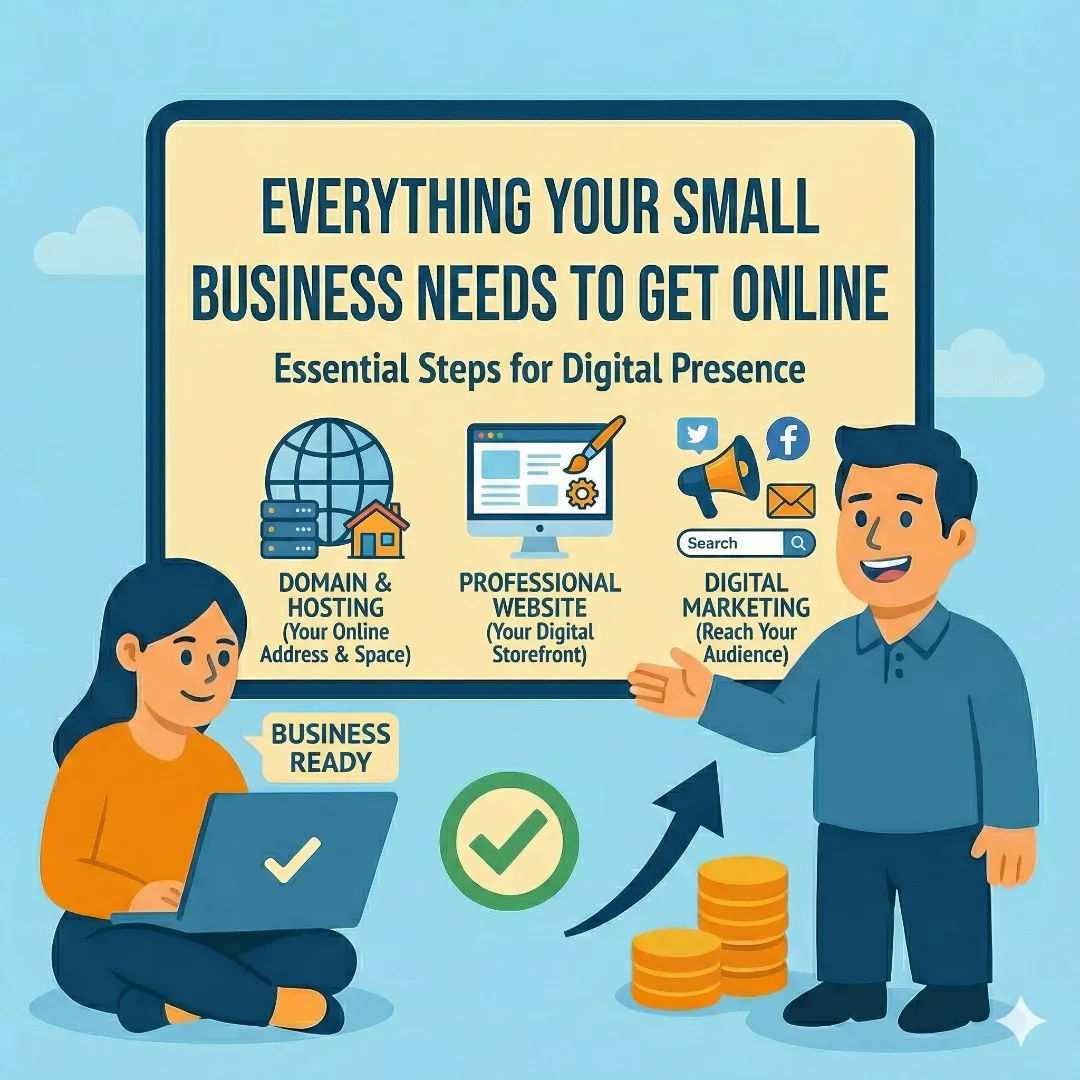
You started a business. You're good at what you do. But now someone asks for your website and you point them to a Facebook page, or worse — you don't have anything at all.
That's not a character flaw. It's just a gap you haven't filled yet. And if you're here, you're already doing something about it.
Getting your business online involves more moving pieces than most people expect. It's not just "build a website." It's a domain name, professional email, reliable hosting, a Google Business Profile, and at least a basic understanding of how people find you through search. Each piece matters, and they all work together.
This guide walks through every step. We'll cover what you actually need, why it matters, and what you can skip. No fluff, no jargon walls, no affiliate links disguised as advice. Just the stuff we tell our own clients.
1. Your Domain Name: Your Business's Address on the Internet
Your domain name is the address people type to find you. It's also the foundation of your professional email, your SEO, and your brand's first impression. Get this wrong and everything else starts on shaky ground.
Stick with .com if possible
It's what people trust and remember. If your exact business name isn't available, add your city or state (e.g., smithplumbingmn.com). Avoid hyphens and numbers — people will forget them or mistype them every time.
You're renting, not buying
Domain registration is an annual fee, typically $10–20/year. Watch out for registrars that hook you with $1 first-year deals and charge $40+ on renewal.
Own it yourself
Register your domain in an account you control. If a web designer registers it under their account, you're at their mercy if the relationship goes south. We've seen this happen more times than we can count.
Where to register
Cloudflare Registrar (at-cost pricing, no markup), Namecheap, or Google Domains. We generally recommend Cloudflare for clients who want the best value and transparent pricing.
2. Professional Email: Stop Using Your Personal Gmail
If you're emailing clients from yourname@gmail.com, you're leaving credibility on the table. A professional email address (you@yourbusiness.com) is one of the cheapest, highest-impact upgrades you can make. It tells potential customers you're serious and established — even if you're running things from your kitchen table.
Google Workspace
Gold standard at $7/user/month. Gmail with your custom domain, Google Drive, Calendar — all the Google tools you already know.
Microsoft 365
The alternative if you live in Outlook and need desktop Office apps. Similar pricing, different ecosystem.
Email Authentication
SPF, DKIM, and DMARC records prove your emails are legitimate. Without them, your messages land in spam.
3. Website Hosting: Where Your Site Actually Lives
Hosting is the service that makes your website accessible on the internet. Think of your domain as the address and hosting as the building. You need both.
Not all hosting is created equal
The $3/month shared hosting you see advertised will technically work. It will also be slow, insecure, and crammed onto a server with hundreds of other sites.
Speed matters for SEO and conversions
Google uses page speed as a ranking factor. A well-hosted site loads in under 2 seconds. Cheap shared hosting? Often 5+ seconds.
Backups are non-negotiable
Your hosting should include automatic daily backups with easy restores. One bad plugin update could take your entire site down without them.
4. Your Website: What It Needs to Do (and What It Doesn't)
Your website doesn't need to be fancy. It needs to be fast, clear, and trustworthy. For most small businesses, a well-built website with 5–10 pages is more than enough to start generating leads and building credibility.
Here's something worth knowing: if you don't need an online store or complex backend functionality, you probably don't need WordPress. A static site built with a modern framework like AstroJS loads faster, costs less to host, requires zero plugin maintenance, and is inherently more secure. It's what we build most of our client sites with — and the performance difference is night and day.
What Every Small Business Website Needs
- Homepage that immediately tells visitors who you are, what you do, and where you do it
- About page with real photos and your story — people buy from people
- Services or products pages with clear descriptions of what you offer
- Contact page with your phone number, email, address, hours, and a contact form
- Mobile responsiveness — over 60% of your visitors will be on a phone
- SSL certificate (the padlock icon / https) — this should come free with your hosting
What You Can Skip for Now
- A blog (unless you're ready to commit to regular publishing)
- E-commerce functionality (unless you're selling products online)
- Chatbots, popups, and flashy animations that add complexity without clear ROI
5. Google Business Profile: Free Visibility Most Businesses Ignore
If you serve customers in a specific area, your Google Business Profile might be more important than your website in the short term. It's what shows up when someone searches "plumber near me" or "best coffee shop in [your city]."
It's completely free
Google gives you a business listing with reviews, photos, hours, and posts. There is no reason not to set this up immediately.
Verification is required
Google will verify your business through a short video showing your location and signage. Until you're verified, your profile won't show up in local results.
Categories determine your visibility
Choosing the right primary and secondary categories determines which searches you show up for. Be specific — "Geotechnical Engineer" beats "Engineering Consultant" if that's what you do.
Reviews are your best marketing tool
Ask every happy customer to leave a Google review. Respond to every review. Review count and recency are major ranking factors in local search.
6. SEO: How People Actually Find You
Search Engine Optimization sounds technical, but the basics are straightforward: make it easy for Google to understand what your business does and where it operates. That's 80% of the battle for a local small business.
Title tags and meta descriptions on every page
These are what show up in Google search results. Include your primary service and location. Example: "Residential Plumbing Services | Smith Plumbing | Prior Lake, MN"
One focus topic per page
Don't cram every service onto one page. Separate pages give Google clear signals about what each page covers.
NAP consistency
Your business Name, Address, and Phone number should be identical everywhere it appears online — your website, Google Business Profile, Yelp, Facebook, industry directories. Learn how to audit your NAP.
Local content is your advantage
National companies can't compete with you on hyper-local relevance. Mention the cities and neighborhoods you serve.
Google Search Console is free and essential
It tells you exactly what people are searching to find your site and where you have issues. If you only set up one analytics tool, make it this one.
7. Putting It All Together: Your Action Plan
You don't need to do everything at once. But you do need to start. Here's a realistic priority order:
Your Getting-Online Action Plan
Register Your Domain Name
This takes 10 minutes and costs $10–20/year. Do it today — your domain enables everything else.
Set Up Google Business Profile
It's free and verification takes a few days. Start this week so you're visible in local search as soon as possible.
Get Professional Email
Stop sending invoices from a personal account. Google Workspace is $7/month and the ROI on credibility is immediate.
Launch Your Website
Even a simple 3–5 page site is infinitely better than nothing. Focus on who you are, what you do, and how to contact you.
Start Thinking About SEO
Once your site is live, optimize it over time. Title tags, meta descriptions, and local content go a long way.
Every one of these steps builds on the last. Your domain enables your email. Your hosting runs your website. Your website supports your SEO. Your Google Business Profile ties it all together for local visibility.
Need Help? That's What We're Here For.
We get it — you didn't start a business to learn about DNS records and meta descriptions. You started it because you're great at what you do.
At Visser Analytics, we handle the entire online presence for small businesses: domain, email, hosting, website, SEO, and Google Business Profile. We call it Website-as-a-Service, and it means you get a professionally managed online presence without hiring an IT department.
If any part of this guide made you think "I'd rather have someone else do this" — that's exactly why we exist.