

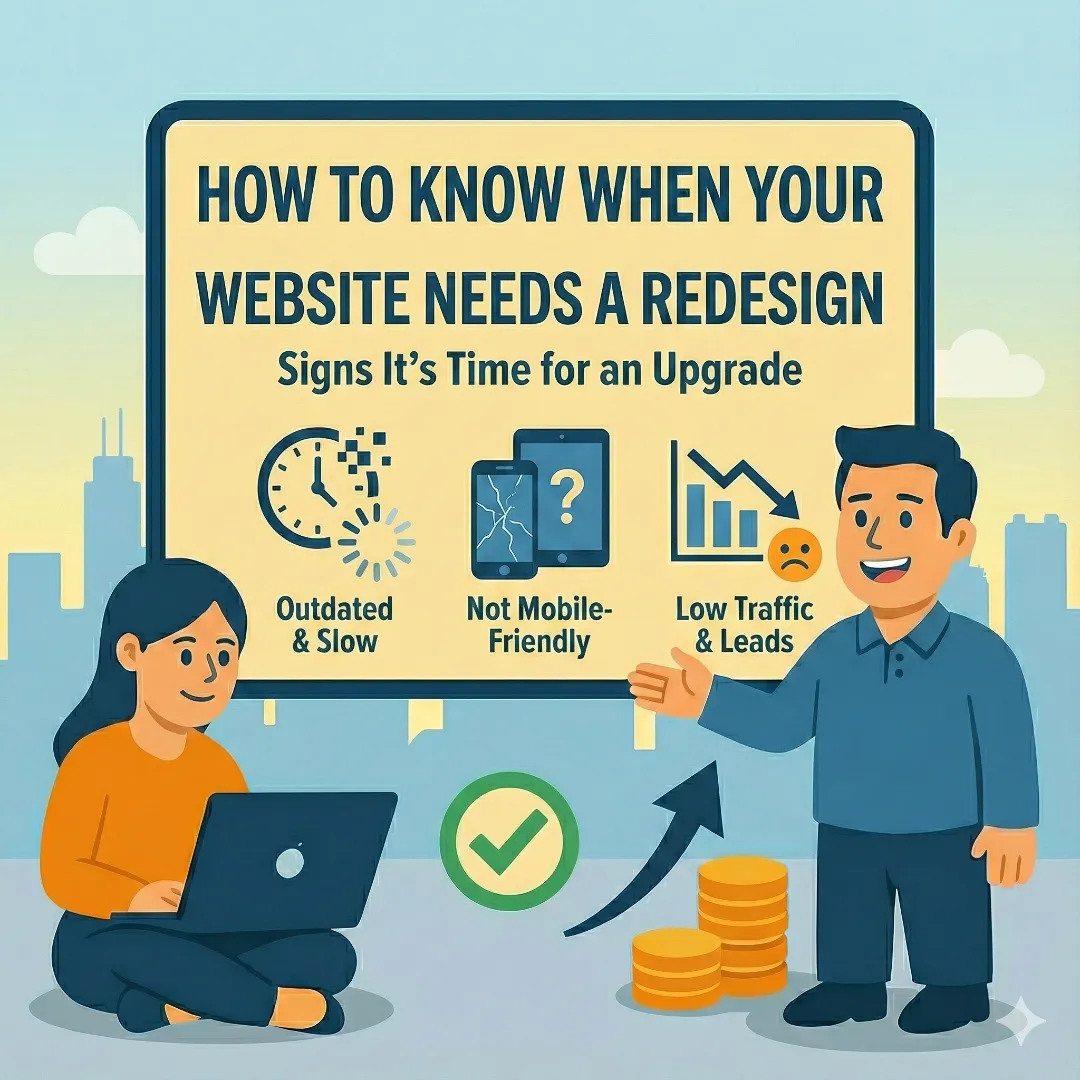
"Should I redesign my website?" It's a question we hear constantly. And for good reason—a full redesign is a significant investment of time and money. Get it wrong, and you've wasted resources on something that didn't need fixing. Wait too long, and your outdated site quietly hemorrhages customers to competitors.
The truth is, not every website problem requires a redesign. Sometimes a strategic refresh—updating visuals, improving performance, refining content—delivers the results you need at a fraction of the cost. The key is knowing which solution fits your situation.
This guide will help you make that decision with confidence. We'll cover the warning signs that demand a redesign, situations where a refresh is enough, and how to maximize ROI whichever path you choose.
Redesign vs. Refresh: Understanding the Difference
Before diving into warning signs, let's clarify what we mean by each approach:
Website Refresh
Updates within your existing framework
- • New colors, fonts, and imagery
- • Content updates and revisions
- • Performance optimizations
- • SEO improvements
- • Minor layout adjustments
Website Redesign
Ground-up rebuild of your site
- • New site architecture
- • Complete UX/UI overhaul
- • New CMS or technology stack
- • Restructured navigation
- • New content strategy
A refresh typically costs 20-40% of a full redesign and takes 2-4 weeks instead of 2-4 months. But choosing a refresh when you need a redesign is like putting a fresh coat of paint on a house with foundation problems—it looks better temporarily, but the core issues remain. Understanding how websites work helps you recognize which problems are structural versus cosmetic.
Redesign vs. Refresh: When to Choose Each
| Situation | Refresh | Redesign | Why |
|---|---|---|---|
| Outdated visuals, good structure | ✓ | ✗ | Core architecture works; just needs polish |
| High bounce rate + low conversions | ✗ | ✓ | Indicates fundamental UX/structure issues |
| Mobile traffic struggles | Maybe | ✓ | Often requires complete responsive rebuild |
| Adding a blog or new pages | ✓ | ✗ | Extending existing functionality |
| Complete rebrand | ✗ | ✓ | New brand requires cohesive new experience |
| Slow page speed (3+ seconds) | Maybe | ✓ | Usually tied to outdated code/architecture |
| CMS difficult to update | ✗ | ✓ | Needs new backend/content architecture |
| Security vulnerabilities | ✗ | ✓ | Patching often insufficient for core issues |
7 Warning Signs Your Website Needs a Redesign
These issues indicate fundamental problems that a refresh won't solve. If you recognize three or more, a redesign is likely your best investment. These same problems contribute to the real cost of a bad website—ongoing revenue loss that compounds over time.
1. Your Site Isn't Mobile-Responsive
This is non-negotiable. Mobile devices account for over 60% of web traffic, and Google uses mobile-first indexing—meaning your mobile experience directly determines your search rankings. If users pinch and zoom to read your content, you're losing them.
While some older sites can be retrofitted with responsive CSS, sites built before 2015 typically have HTML structures that make true responsiveness impossible without a rebuild. If your site predates the mobile era, a redesign is almost certainly necessary.
2. Page Load Times Exceed 3 Seconds
Speed isn't a nice-to-have—it's a conversion factor. According to Google's research, as page load time goes from 1 to 3 seconds, bounce probability increases by 32%. From 1 to 5 seconds? It jumps to 90%.
Quick Speed Test
Run your site through Google PageSpeed Insights right now. Here's how to interpret your score:
- 90-100: Excellent. Refresh may be sufficient if you have other issues.
- 50-89: Needs improvement. Could go either way depending on root cause.
- 0-49: Poor. Usually indicates architectural issues requiring redesign.
Sometimes slow sites can be fixed with optimization techniques—compressing images, enabling caching, minimizing code. But if your site runs on bloated page builders, outdated frameworks, or shared hosting that can't keep up, those band-aids won't be enough. Modern frameworks like AstroJS can load pages in under a second—something many legacy platforms simply can't match.
3. Your Bounce Rate Is Above 70%
Bounce rate measures the percentage of visitors who leave after viewing only one page. While "normal" varies by industry (blogs naturally have higher bounce rates than service pages), a rate above 70% on key landing pages signals a disconnect between what visitors expect and what they find.
High bounce rates typically stem from:
- Slow load times – Users leave before the page finishes loading
- Poor mobile experience – Content is difficult to consume on phones
- Confusing navigation – Visitors can't find what they're looking for
- Mismatched expectations – Page content doesn't match how they arrived
- Outdated design – Site appears untrustworthy or unprofessional
- No clear call-to-action – Visitors don't know what to do next
If your bounce rate is high across multiple pages, the problem is systemic—and systemic problems require systemic solutions. A redesign allows you to address navigation, content hierarchy, and user flow holistically. Use Google Search Console and Analytics to diagnose exactly where users are dropping off.
4. Conversion Rates Are Below Industry Benchmarks
You're driving traffic, but it's not converting. This is often the most expensive problem because you're paying for marketing that doesn't pay off.
Average Conversion Rate Benchmarks by Industry
- E-commerce 1.5-3%
- B2B Services 2-5%
- SaaS (free trial) 3-7%
- Lead Generation 2-6%
- Local Services 3-8%
If you're significantly below these benchmarks, your website has conversion problems. Sometimes this is fixable with better CTAs, improved copy, or streamlined forms (refresh territory). But often low conversions reflect deeper issues: confusing user journeys, trust deficits, or poor information architecture that requires a redesign to solve.
5. Your Brand Has Evolved—Your Website Hasn't
Businesses change. You've expanded services, shifted target markets, refined your positioning, or undergone a complete rebrand. But your website still tells the old story.
This disconnect creates confusion. Prospects who discover you through new marketing encounter a website that doesn't match. The cognitive dissonance erodes trust before you've had a chance to earn it.
A refresh can update colors and logos, but a true brand evolution typically requires rethinking content, imagery, tone, and user experience throughout the site. This is especially true for businesses where trust is critical—inconsistency signals unprofessionalism.
6. Your CMS Is a Nightmare to Update
If updating your website requires calling a developer, fighting with a clunky editor, or risking breaking the layout every time you change text, you have a CMS problem.
This isn't just an inconvenience—it's a strategic liability. Businesses that can't easily update their sites:
- Publish less content, hurting SEO performance
- Keep outdated information live, confusing customers
- React slowly to market changes and opportunities
- Depend on developers for every small change, increasing costs
- Eventually stop updating altogether, letting the site stagnate
If you're on an outdated WordPress installation with poorly coded themes, proprietary builders that lock you in, or custom-built systems without proper documentation, a migration to a modern, user-friendly platform is often worth the investment. The question isn't "can I afford a new CMS?" but "can I afford another year of content paralysis?"
7. Security Vulnerabilities and Technical Debt
Outdated websites accumulate technical debt like interest on a credit card. Old plugins, unpatched software, deprecated code, and abandoned frameworks create security holes that hackers actively exploit.
If your site runs on software that's no longer maintained, uses HTTP instead of HTTPS, or has been hacked before, you're operating on borrowed time. Google flags insecure sites with warnings that devastate trust, and a data breach can be catastrophic for reputation and legal liability.
While some security issues can be patched, sites built on fundamentally insecure foundations need to be rebuilt. Modern platforms have security baked in—automated updates, secure authentication, and architecture designed to resist common attacks. If you're constantly firefighting vulnerabilities, a redesign pays for itself in reduced risk.
The Website Warning Signs Severity Matrix
Use this matrix to assess your situation. Critical issues demand immediate action; high-severity issues justify significant investment; medium issues can often be addressed with a refresh.
Warning Signs Severity Matrix
| Issue | Severity | Revenue Impact | Action |
|---|---|---|---|
| Not mobile-responsive | Critical | 50%+ traffic loss | Redesign immediately |
| Load time 5+ seconds | Critical | 90% bounce rate | Redesign or major overhaul |
| No SSL/HTTPS | Critical | 85% won't purchase | Fix immediately (can be refresh) |
| Conversion rate under 1% | High | Significant opportunity cost | Likely redesign |
| Bounce rate over 70% | High | Traffic waste | Analyze then decide |
| Dated design (5+ years old) | Medium | Trust erosion | Redesign recommended |
| Hard to update content | Medium | Operational drag | CMS migration/redesign |
| Missing analytics | Low | Blind decision-making | Refresh to add tracking |
5 Signs a Website Refresh Is All You Need
Not every problem requires tearing down walls. Here's when a strategic refresh makes more sense than a complete rebuild:
1. Your Core Metrics Are Healthy
If your conversion rate is reasonable, bounce rate is acceptable, and users are finding what they need, your site architecture works. Outdated visuals don't require architectural changes—they need a facelift.
2. Your Platform Is Modern and Maintained
Running on current WordPress, Shopify, Webflow, or other actively maintained platforms? You can likely update themes, plugins, and content without starting over. The foundation is solid; you're just updating the interior.
3. The Issue Is Mostly Visual
Dated color schemes, old stock photos, typography that screams "2015"—these are cosmetic issues. If your navigation makes sense, pages load quickly, and mobile experience is good, updated visuals can transform perception without structural changes.
4. You're Adding, Not Restructuring
Adding a blog to an existing site? Creating new service pages? Integrating a booking system? These are extensions that can be built onto a solid foundation. A small business website often grows incrementally, and that's fine if the base architecture supports it.
5. Budget Constraints Require Phased Approach
Sometimes a full redesign is the right answer, but cash flow won't allow it. A strategic refresh can buy time—improving the most critical elements now while planning for a more comprehensive overhaul later. Just be honest with yourself: this is delay, not solution.
The Smart Website Refresh Checklist
If you've determined a refresh is the right path, here are the highest-impact improvements you can make:
Update Visual Elements
Refresh colors, typography, and imagery while keeping the existing structure. Often achievable with CSS changes alone.
Optimize Images
Compress existing images, convert to modern formats like WebP, and implement lazy loading for immediate performance gains.
Improve Page Speed
Add caching, minimize CSS/JS, enable compression. These quick wins can improve load times by 30-50%.
Update Content
Revise outdated copy, add fresh testimonials, update team photos. New content signals activity to both users and search engines.
Fix Technical SEO Issues
Repair broken links, add missing meta descriptions, implement structured data. These fixes boost search visibility without structural changes.
The key to a successful refresh is prioritization. Focus on changes that directly impact user experience and business metrics. Learn more about image format optimization to maximize performance gains with minimal effort.
How Long Should a Website Last? Industry Benchmarks
While data should drive redesign decisions, industry context matters. Some sectors evolve faster than others, and customer expectations vary accordingly.
Website Lifespan by Industry
| Industry | Average Redesign Cycle | Key Driver |
|---|---|---|
| Technology/SaaS | 2-3 years | Rapid industry evolution |
| E-commerce | 2-3 years | Conversion optimization trends |
| Professional Services | 3-4 years | Trust and credibility signals |
| Healthcare | 3-4 years | Compliance and accessibility |
| Construction/Trades | 4-5 years | Portfolio updates, local SEO |
| Manufacturing | 4-5 years | Catalog and spec sheet updates |
Construction company websites may last longer than tech startup sites, but that doesn't mean they should be neglected. Even industries with longer cycles benefit from regular refreshes between major redesigns.
The Strategic Website Redesign Process
If you've determined a redesign is necessary, approach it strategically. The worst redesigns throw out everything and start from scratch based on hunches. The best redesigns are data-driven, goal-oriented, and build on what worked.
Audit Your Current Site
Analyze performance metrics, user behavior, and conversion data. Identify what's working and what isn't before making changes.
Define Clear Goals
Set specific, measurable objectives: increase conversions by 25%, reduce bounce rate by 15%, improve page speed to under 2 seconds.
Research Your Audience
Interview customers, analyze competitor sites, and study user behavior. The best redesigns are driven by user needs, not just aesthetics.
Plan the Information Architecture
Map out your site structure, user flows, and content hierarchy. This blueprint guides all design and development decisions.
Design with Purpose
Create designs that serve your goals. Every element should have a reason—no decorative bloat that slows performance or distracts users.
Develop for Performance
Build with modern frameworks that prioritize speed. Implement SEO best practices from the start, not as an afterthought.
Test and Iterate
Launch to a subset of traffic, gather data, and refine. A redesign isn't finished at launch—it's the beginning of continuous improvement.
5 Costly Website Redesign Mistakes to Avoid
We've seen redesign projects go wrong the same ways. Learn from others' expensive mistakes:
1. Ignoring Current Analytics
Your existing site, flawed as it may be, contains valuable data. Which pages get the most traffic? Where do users convert? What content resonates? Redesigning without analyzing this data means potentially removing what works.
2. Prioritizing Aesthetics Over Function
Beautiful websites that don't convert are expensive art projects. Every design decision should serve a business goal. Ask "will this help users take action?" not "does this look cool?"
3. Forgetting About SEO Migration
A redesign that tanks your search rankings is a disaster. Proper 301 redirects, preserved URL structures where possible, and maintained content value are essential. Many businesses have launched beautiful new sites and watched their organic traffic plummet because no one planned the SEO transition. Check out our local SEO guide for best practices.
4. Scope Creep Without Budget Creep
"While we're at it, let's also add..." is the enemy of on-time, on-budget redesigns. Feature creep extends timelines, increases costs, and delays the benefits of your new site. Define scope clearly upfront and stick to it. Additional features can be Phase 2.
5. Launching Without Testing
The excitement to launch is real. But going live without thorough testing—across browsers, devices, user journeys, and load conditions—risks launching a site that's broken for significant portions of your audience. Build testing time into your project plan, not as an afterthought.
Calculating Your Website Redesign ROI
A website redesign is an investment, and like any investment, it should generate returns. Here's how to think about ROI:
The ROI Formula
Annual Value = (Increased Conversions × Average Customer Value) + (Time Saved × Hourly Rate) + (Reduced Bounce × Missed Opportunity Value)
Example Calculation:
- Current: 10,000 monthly visitors, 1% conversion = 100 leads/month
- After redesign: 10,000 visitors, 2.5% conversion = 250 leads/month
- 150 additional leads × $500 average value = $75,000/month additional revenue
- Redesign cost: $25,000 = Payback in under 2 weeks
The math usually favors redesign if you have real conversion problems. The challenge is that most businesses underestimate both the cost of their current underperforming site and the potential gains from a strategic redesign.
The Final Decision Framework
Still uncertain? Use this decision tree:
- 1. Is your site mobile-responsive?
No → Redesign. Yes → Continue. - 2. Does it load in under 3 seconds?
No → Evaluate if fixable with optimization. If not → Redesign. - 3. Are conversion rates at or above industry benchmarks?
No → Analyze why. If structural → Redesign. If content/CTA → Refresh possible. - 4. Can you easily update content yourself?
No → Consider CMS migration (often means redesign). - 5. Does the site reflect your current brand?
No → If minor changes suffice → Refresh. If fundamental mismatch → Redesign. - 6. Are there security concerns or technical debt?
Yes → Evaluate severity. If core platform is compromised → Redesign. - 7. Is the site generating acceptable ROI?
No → Redesign likely justified by potential gains.
The Bottom Line
Your website is either an asset generating returns or a liability costing you money. The decision between refresh and redesign should be driven by data, not aesthetics or age alone.
If your site has fundamental issues—poor mobile experience, slow performance, low conversions, outdated technology—a redesign is an investment in your business's future. The cost of doing nothing compounds daily in lost customers and missed opportunities.
If your foundations are solid but the surface needs updating, a strategic refresh can deliver significant improvements at a fraction of redesign costs.
Either way, making an informed decision beats guessing. Analyze your data, understand your options, and invest accordingly. Your future customers—the ones your current site might be losing—are worth it.